
- We built a free browser extension that lets you check any plumbing website's on-page SEO health in one click — no logins, no subscriptions, no data collected.
- Available now on Chrome, Firefox, and Microsoft Edge.
- It checks title tags, meta descriptions, heading structure, schema markup, image alt text, internal links, and more — the same things we audit for our clients.
Most plumbing company owners know their website matters. But unless you have an SEO background, it is hard to know what is actually wrong with it. Is your title tag missing? Is your schema markup set up? Are your images hurting your page speed? These are the questions that separate a website that gets calls from one that just sits there.
That is why we built the Plumbing SEO Page Checker — a free browser extension that runs a quick on-page SEO audit on any webpage you visit. One click. No signup. No data collection. Just a clear report of what is working and what needs fixing.
Why We Built a Free SEO Extension for Plumbers
Every week, we talk to plumbing company owners who have no idea their website has basic SEO problems. A missing meta description here. A duplicate title tag there. No schema markup at all. These are not complex issues, but they add up — and they cost you calls.
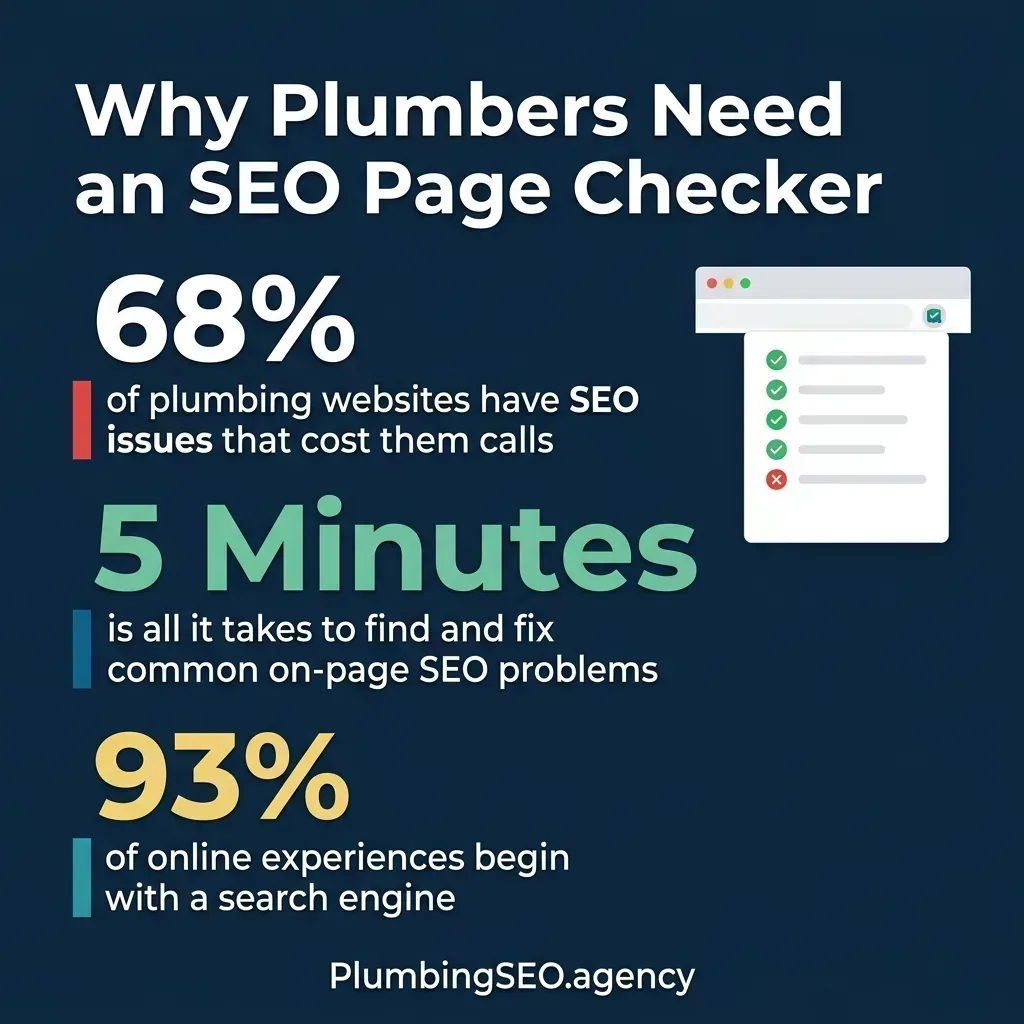
Most plumbing websites have fixable SEO issues that are costing them calls every day.
We wanted to give plumbing company owners a way to see for themselves — without needing to hire anyone or learn technical SEO. Open your website, click the extension, and get an honest snapshot of your on-page health. If something is red, it needs attention. If it is green, you are good.
Think of it like a leak detection tool, but for your website's SEO. You would not ignore a slow drip under the sink. Do not ignore a missing meta description that is costing you clicks on Google.
What the Plumbing SEO Page Checker Actually Checks
The extension runs through the same on-page factors we look at when we audit a plumbing company's website. Here is what it inspects:
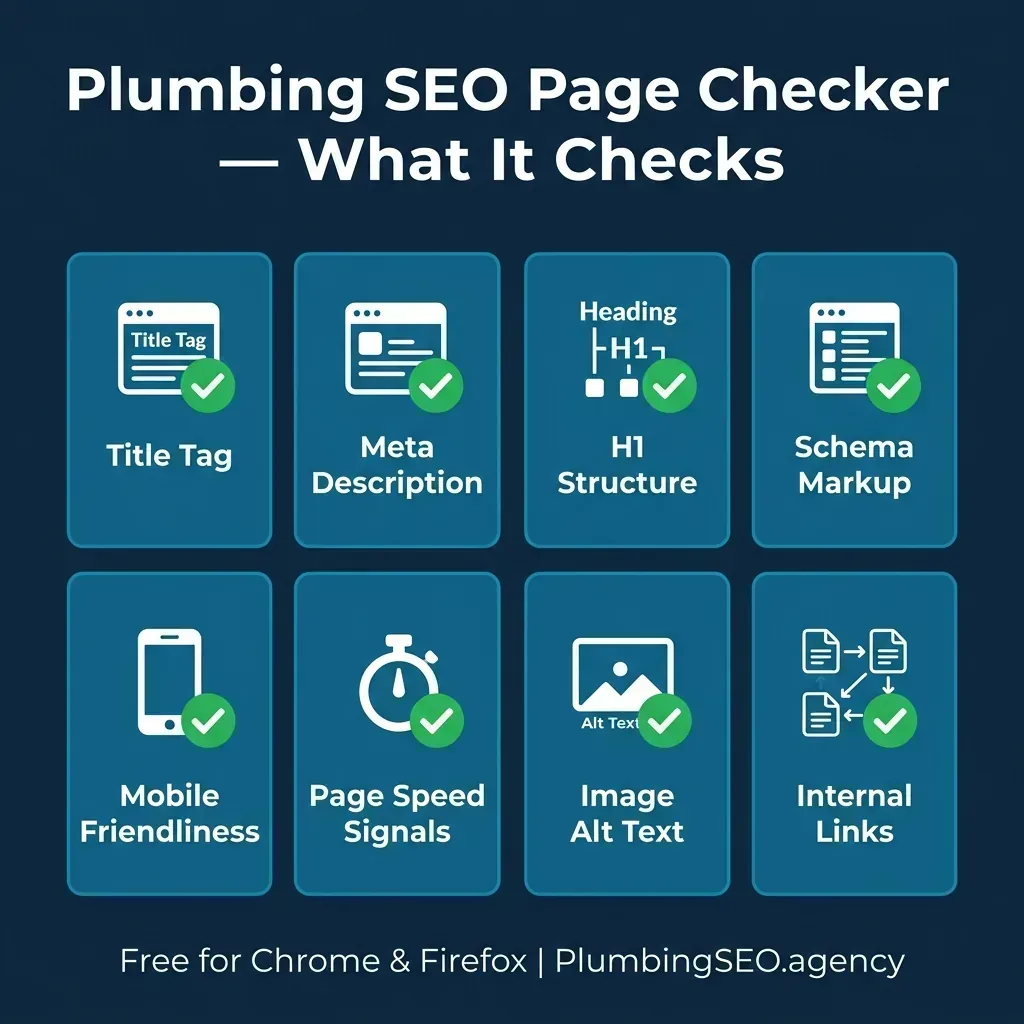
Every check maps to a real ranking factor that affects your visibility on Google.
- Title Tag: Is it present, unique, and under 60 characters? This is what shows up as the blue link on Google.
- Meta Description: Does the page have a compelling description under 155 characters? This is your pitch to the searcher.
- H1 Structure: Is there exactly one H1 tag on the page? Multiple H1s or no H1 confuses Google about what the page is about.
- Schema Markup: Does the page have structured data? For plumbers, LocalBusiness or PlumbingService schema helps Google understand your business.
- Image Alt Text: Do your images have descriptive alt attributes? Missing alt text is a missed opportunity for image search and accessibility.
- Internal Links: Does the page link to other relevant pages on your site? Internal linking helps Google crawl and understand your site structure.
- Page Speed Signals: Are there obvious issues like uncompressed images or render-blocking scripts slowing things down?
- Mobile Friendliness: Does the page have a viewport meta tag and responsive indicators? Google uses mobile-first indexing.
How to Install the Plumbing SEO Page Checker
Getting started takes less than 60 seconds. The extension is available for the three most popular browsers.
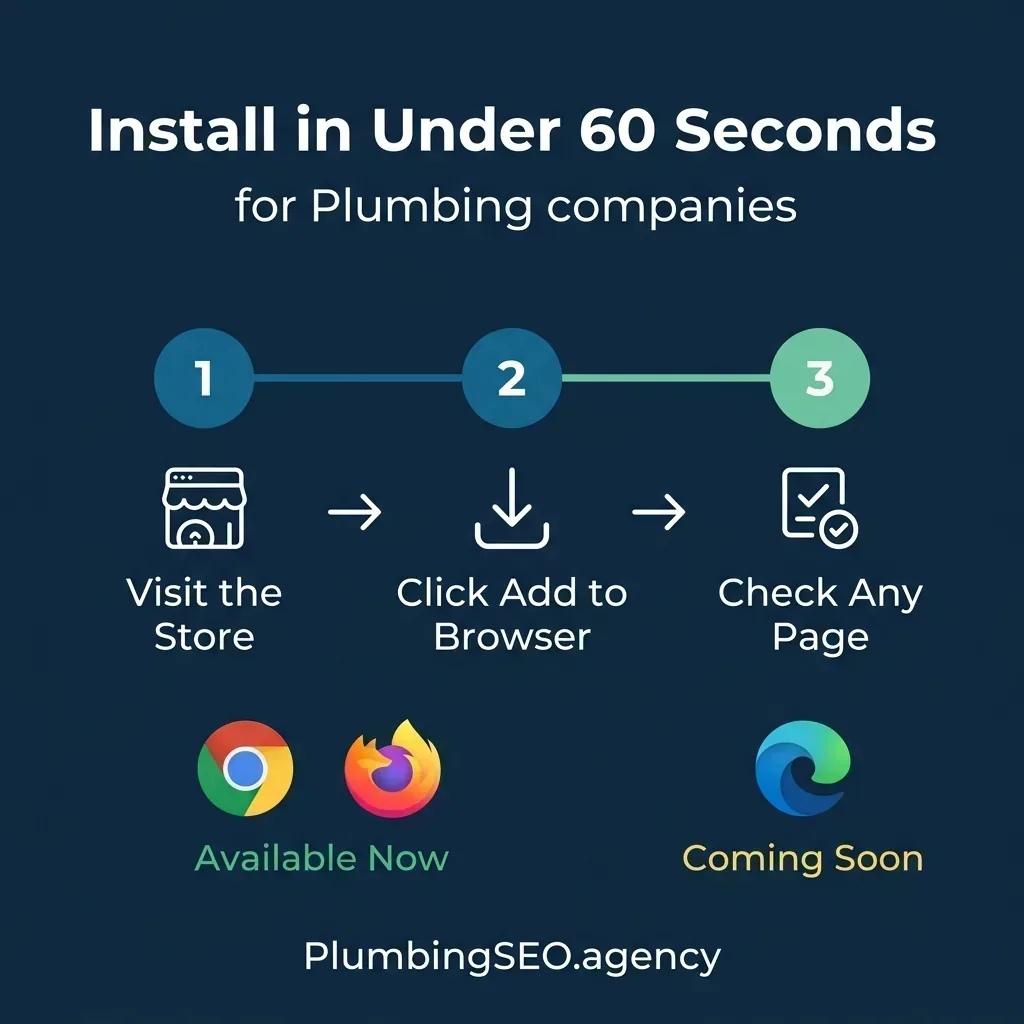
Three steps. Under 60 seconds. No account required.
Google Chrome
- Visit the Chrome Web Store listing
- Click "Add to Chrome"
- The extension icon appears in your toolbar — click it on any page to run an instant SEO check
Mozilla Firefox
- Visit the Firefox Add-ons listing
- Click "Add to Firefox"
- Same thing — click the icon on any page and get your SEO report
Microsoft Edge
- Visit the Edge Add-ons listing
- Click "Get"
- Same as above — click the icon on any page to run your SEO audit
"We want every plumber to be able to check their website regardless of which browser they use. Chrome, Firefox, and Edge now cover the vast majority of desktop users."
How to Use It: A Quick Walkthrough
Once installed, using the extension is straightforward:
- Navigate to any webpage — your own plumbing website, a competitor's site, or any page you want to check.
- Click the extension icon in your browser toolbar. The Plumbing SEO Page Checker icon will light up.
- Review your results. The extension displays a clean, categorized report with green checks for passing items and red flags for issues that need attention.
- Take action. Each flagged issue includes a brief explanation of why it matters and what to do about it.
You can use it to audit your own pages before publishing, check competitor websites to see what they are doing right, or hand your web developer a clear list of fixes with no back-and-forth needed.
Privacy First: No Data Collection
We want to be upfront about this: the Plumbing SEO Page Checker does not collect, store, or transmit any of your browsing data. It runs entirely in your browser. No analytics. No tracking. No account required. We built it as a utility, not a data funnel.
When you click the extension, it reads the current page's HTML to perform the audit. That data stays in your browser and is never sent to our servers or anywhere else. Period.
Who Benefits From This Extension
While we built it with plumbing companies in mind, the SEO checks are universal. Here is who gets the most value:
- Plumbing company owners who want to spot-check their website without waiting for an agency report.
- Office managers who handle the company website and want to make sure new pages are set up correctly before going live.
- Web developers working on plumbing websites who need a quick sanity check on on-page SEO fundamentals.
- Marketing managers at multi-location plumbing companies who need to audit pages across different city sites.
- Anyone evaluating an SEO agency — run the extension on your own site to see if your current agency is actually fixing the basics.
Want a deeper audit than what the extension covers? Our full SEO leak check goes beyond on-page and looks at your Google Maps presence, local rankings, citations, and more.
Get a Free Full SEO AuditThe Bottom Line
The Plumbing SEO Page Checker is a small tool that solves a real problem: giving plumbing company owners visibility into their website's SEO health without needing to be an expert. Install it, click it, fix what is red. That is the whole process.
It is free. It is private. It works on Chrome, Firefox, and Microsoft Edge. If you run a plumbing company and you have a website, you should be using it.
Get the Extension Now
One click. No signup. See what is holding your website back.
Frequently Asked Questions
Yes. The extension is completely free to install and use on Chrome and Firefox. There is no premium tier, no trial period, and no account required. We built it as a free tool for the plumbing industry.
No. The extension runs entirely in your browser. It does not send any data to external servers. Your browsing activity, page content, and audit results all stay on your device.
Yes. The Plumbing SEO Page Checker is now available on the Microsoft Edge Add-ons store. You can install it directly from there, just like Chrome and Firefox.
Yes. While it was designed with plumbing websites in mind, the on-page SEO checks it performs are universal. Title tags, meta descriptions, schema markup, and heading structure matter for every website.
No. The extension checks on-page SEO fundamentals, which is a great starting point. A full SEO audit also covers Google Business Profile optimization, local rankings, backlink analysis, citation consistency, and competitive positioning. If you want the full picture, request a free SEO audit from our team.
Want More Than a Page Check?
The extension covers on-page basics. Our full SEO audit digs into your Google Maps rankings, local citations, competitor landscape, and conversion opportunities. Free. No obligations.
Run My Free SEO Leak Check