
- Use current, accurate photos to help potential customers understand your team, vehicles, equipment, and completed work.
- Get permission before showing customers, homes, addresses, license plates, or other identifying details.
- There is no universal photo count, upload cadence, or call-lift guarantee; measure profile actions and qualified calls for your own business.
You have probably searched for a plumber in a new town before. You open Google Maps, and five plumbers pop up. You click the first one: their profile has a blurry logo and a single stock photo of a wrench. You click the second one: it has a crisp photo of a wrapped truck, three smiling technicians in uniform, and a before-and-after shot of a repiped basement.
Which one are you calling?
If a Google Business Profile (GBP) shows only a logo, potential customers have little visual context about who may arrive, what equipment the company uses, or what completed work looks like. Accurate photos can fill those information gaps.
Photos are not a substitute for accurate business information, licensing where required, reviews in customers' own words, or a reliable booking process. They also do not guarantee rankings, calls, or booked jobs.
Here are seven useful photo categories to consider. They are practical examples, not Google requirements or a guaranteed ranking formula.
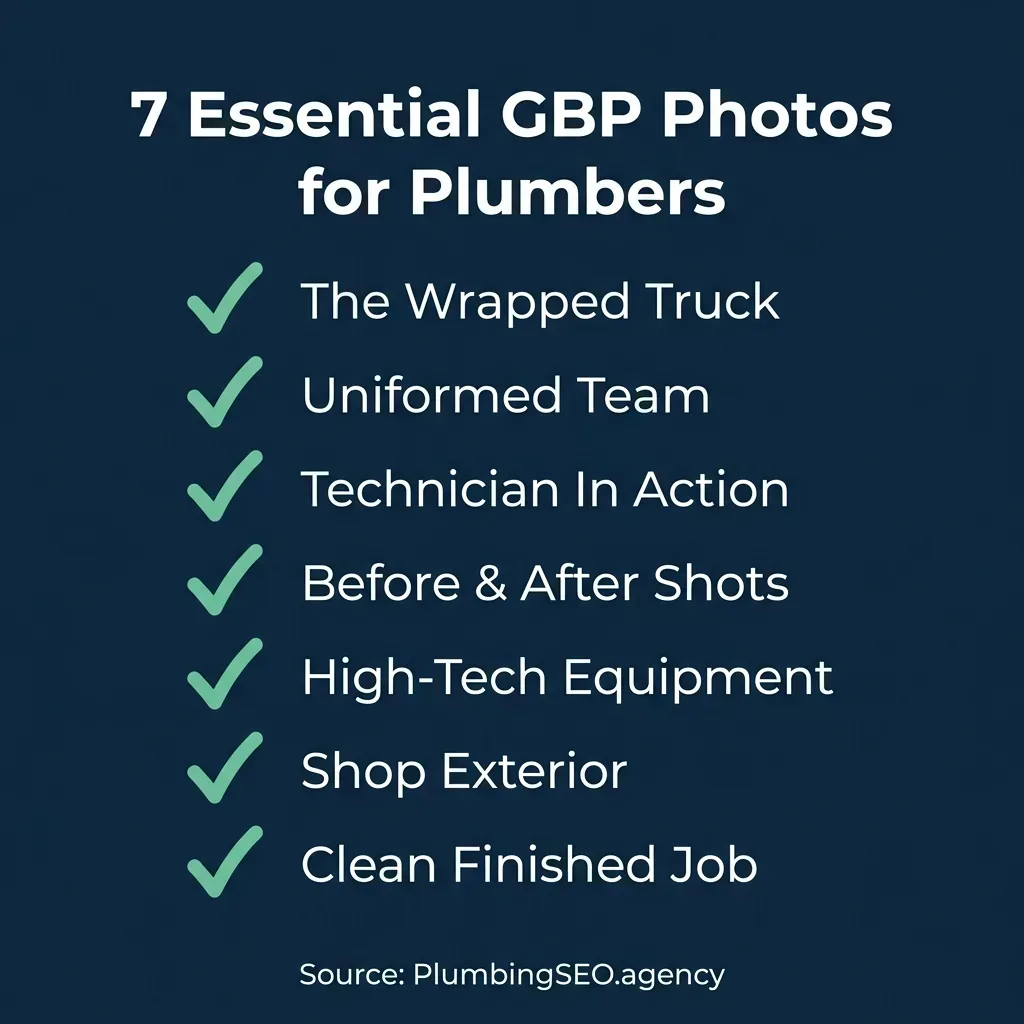
Choose the categories that accurately represent your business and update them when something materially changes.
1. The Hero Truck (Your Rolling Billboard)
If your company uses clearly branded service vehicles, a current photo can help customers recognize the team that may arrive. Frame the full vehicle clearly and avoid showing customer addresses, license plates, or private details unless you have permission.
Keep the image representative of the vehicles you actually dispatch. Do not add a city name, landmark, or location claim merely to imply a service area you do not serve.
2. The Uniformed Team (The Trust Builder)
Service is its own animal. You are asking homeowners to let strangers into their house, often when they are stressed out about water damage or a backed-up sewer. Trust is everything.
A current team photo can show customers who works for the business and what branded uniforms or identification look like. Include only real team members who have agreed to appear, and update the image when the team changes.
3. The "In Action" Shot
Original work photos can help explain what services such as sewer-camera inspection, leak detection, or water-heater installation involve. Show safe, normal work practices rather than staging a risky action for the camera.
Obtain customer permission when a home or job site is recognizable. Remove addresses, paperwork, faces, or other details that should not be public.
4. The Before-and-After (The Proof)
A before-and-after pair can make the scope of a completed repair easier to understand. Use the same angle and lighting when practical, label the service accurately, and do not imply that one project represents every outcome.
Show only work your business completed and has permission to publish. A clean final image can document workmanship, but it is not independent proof of performance or a guaranteed conversion lift.
5. High-Tech Equipment
A lot of homeowners think plumbing is just plungers and wrenches. When you show off high-tech gear, you separate yourself from the guy working out of the back of his hatchback.
Photos of hydro-jetting equipment, sewer cameras, or leak-detection tools can help customers understand the services you actually provide. Describe the equipment accurately without promising that a tool will always reduce time, cost, or disruption.
6. The Customer-Facing Location (Only When It Is Real and Eligible)
If customers can visit a real, staffed location during stated hours, a current exterior photo can help them identify the entrance. Keep signage and access information accurate.
Service-area businesses should follow Google's business representation guidance and hide an address when customers are not served there. Do not use a photo to imply a storefront or staffed office that customers cannot visit.
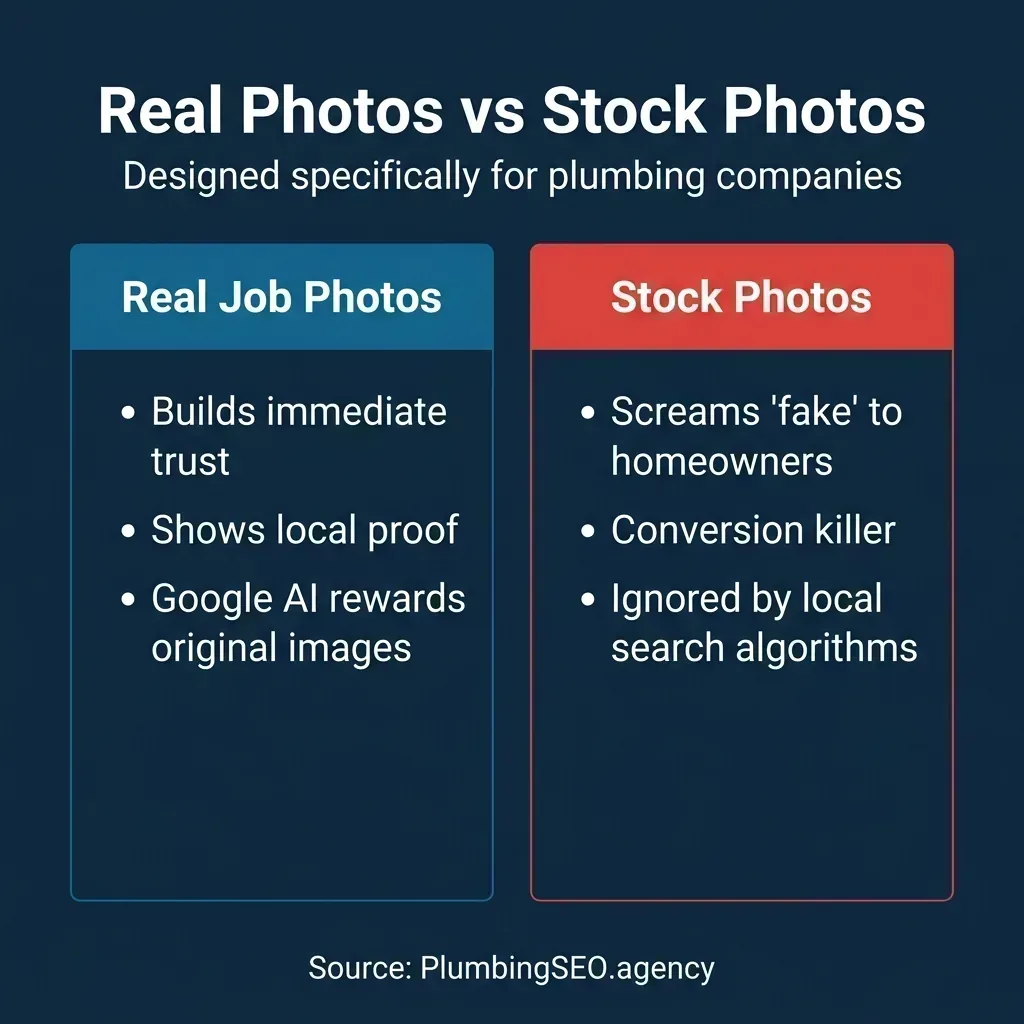
Use recent images of the actual business when they help customers understand what to expect.
7. The Finished Product / Happy Customer
A finished-work photo can show the installed equipment and the condition in which the work area was left. Use a representative result and avoid showing identifying household details.
If a customer appears in the photo, get explicit permission for that specific public use. Never offer an incentive for a photo, stage a testimonial, or imply customer satisfaction that was not actually expressed.
How to Manage Profile Photos Responsibly
Add or replace photos when they provide useful, current information—for example, when branding, vehicles, staff, equipment, or a customer-facing location changes. There is no fixed schedule that guarantees visibility or calls.
Follow Google's official photo and video guidance: use clear, well-lit images that represent reality and are not significantly altered. Keep an internal consent record for customer and job-site images.
Descriptive filenames can make an internal media library easier to manage, but keyword-stuffed filenames, embedded location data, and upload frequency are not substitutes for accurate profile details or first-party measurement.
Start with the photo categories that best answer real customer questions, then use profile performance data and qualified-call records to evaluate what is useful for your business.
Frequently Asked Questions About Google Business Profile Photos
Google does not publish a universal photo count that guarantees rankings or calls. Add enough current images to represent the team, vehicles, equipment, customer-facing location if eligible, and completed work you have permission to show.
Photos can help customers understand and evaluate a business, but Google does not promise a direct ranking lift from a photo count or upload schedule. Measure profile actions, qualified calls, and bookings before attributing a business outcome to photos.
Google's current guidance recommends JPG or PNG images at 720 by 720 pixels, with a minimum resolution of 250 by 250 pixels. Images should be in focus, well lit, and not significantly altered.
Use photos that accurately represent the actual business. Generic stock images may give customers less useful information, but there is no universal conversion or ranking outcome; prioritize clear, current images you own or have permission to publish.
Are You Missing Out on Easy Phone Calls?
Your Google Business Profile is the front door to your business. If it's not generating calls, you have a leak. Let us run a free, no-obligation SEO audit on your profile and website to show you exactly where the money is dripping out.
Get My Free SEO Audit